Layouts
Four layouts. Pick the one that matches the information.
| Layout | Use it for | Examples |
|---|---|---|
progress | Steps, or a value that grows toward a goal. | An order, a delivery, a fundraiser. |
picture | A photo that matters most. | A pet match, a listing, a photo of the moment. |
versus | Two sides with scores. | A game, a match, an auction. |
countdown | One moment in time. The clock runs on the phone. | A launch, a kickoff, a deadline. |
Set layout in the state on start. To change it later, send a new layout and that layout's fields in an update. One activity can show a score, then a photo, then the score again.
What each layout shows
On iPhone:
| Field | Progress | Picture | Versus | Countdown |
|---|---|---|---|---|
primaryText | Headline | Caption | Not shown | Not shown |
secondaryText | Line under the headline | Text under the caption | Not shown | Name next to the clock |
headerIconUrl | Logo | Small logo | Not shown | Logo |
backgroundImageUrl | Background | The photo | Background | Not shown |
versus | Not shown | Not shown | Names, scores, logos, statuses, center column | Not shown |
| Action button | Not shown | Shown | Shown | Not shown |
| Compact Dynamic Island | stage, then "N min", then a ring | The photo only | Scores and logos | Time left |
On every layout, an alert uses primaryText as its title and secondaryText as its body. Set both, even on a layout that does not show them.
On Android, every layout is a notification with a title and one line of text:
- Title:
primaryText. On Versus, the score ("Lincoln 14-7 Central"). On Countdown, the time left. - Text:
secondaryText. On Versus, the center column, or the statuses when there is no center column. - Picture shows its photo when the user expands the notification.
Text that fits
Safe lengths for the smallest iPhone surface. Longer text is cut at the last whole word that fits, with no "...". Android wraps long text instead of cutting it. Check a design in the builder before sending it.
| Layout | Field | Characters |
|---|---|---|
| Progress | primaryText | 17 with a logo, 21 without |
| Progress | secondaryText | 28 |
| Progress | Step labels (segments) | 12 with three steps, 21 with two |
| Progress | stage | 7 |
| Picture | primaryText | 27, over two lines |
| Picture | secondaryText | 48, over two lines |
| Versus | leftName / rightName | 12 with a center column, 16 without |
| Versus | leftStatus / rightStatus | 14 |
| Versus | centerLabel / centerValue | 10 |
| Versus | leftScore / rightScore | 2 digits with logos and a center column |
| Countdown | secondaryText | 20 |
| Any | actionLabel | 10 |
| Any | brand.name | 18 |
Images that fit
Use WebP. PNG and JPEG also work. SVG does not. The builder saves every image as WebP, 400 pixels wide, cut to the shape of its slot. Use the same sizes:
| Field | Shape | Size |
|---|---|---|
headerIconUrl, lockScreenImageUrl, androidIconUrl, and the versus logos | Square | 400 x 400 |
backgroundImageUrl | Wide, 2.34 to 1 | 400 x 171 |
islandImageUrl | Almost square, 1.12 to 1 (2.12 to 1 when immersive is true) | 400 x 358 |
androidImageUrl | 1.39 to 1 | 400 x 288 |
Give logos a transparent background.
Examples
Progress with steps
Each step turns complete as the order moves.
1
2
3
4
5
6
7
8
9
10
11
12
13
14
15
16
17
18
19
20
21
22
23
24
25
26
27
28
29
30
31
32
33
curl -X POST https://api.webliveactivity.com/api/start \
  -H 'Content-Type: application/json' \
  -H 'x-api-key: wla_your_key' \
  -d '{
  "widgetContainerId": "pizza-tracker",
  "brand": {
    "title": "Order #1234"
  },
  "state": {
    "layout": "progress",
    "primaryText": "In the oven now",
    "secondaryText": "Your order is cooking",
    "accentColorHex": "#0A84FF",
    "backgroundColorHex": "#0080BA",
    "headerIconUrl": "https://acme.example/logo.png",
    "estimatedMinutes": 30,
    "progressStyle": "segmented",
    "segments": [
      {
        "label": "Cooking",
        "complete": false
      },
      {
        "label": "On the way",
        "complete": false
      },
      {
        "label": "Delivered",
        "complete": false
      }
    ]
  }
}'
Picture
The photo goes in backgroundImageUrl. headerIconUrl is the small logo.
1
2
3
4
5
6
7
8
9
10
11
12
13
14
15
16
17
18
19
curl -X POST https://api.webliveactivity.com/api/start \
  -H 'Content-Type: application/json' \
  -H 'x-api-key: wla_your_key' \
  -d '{
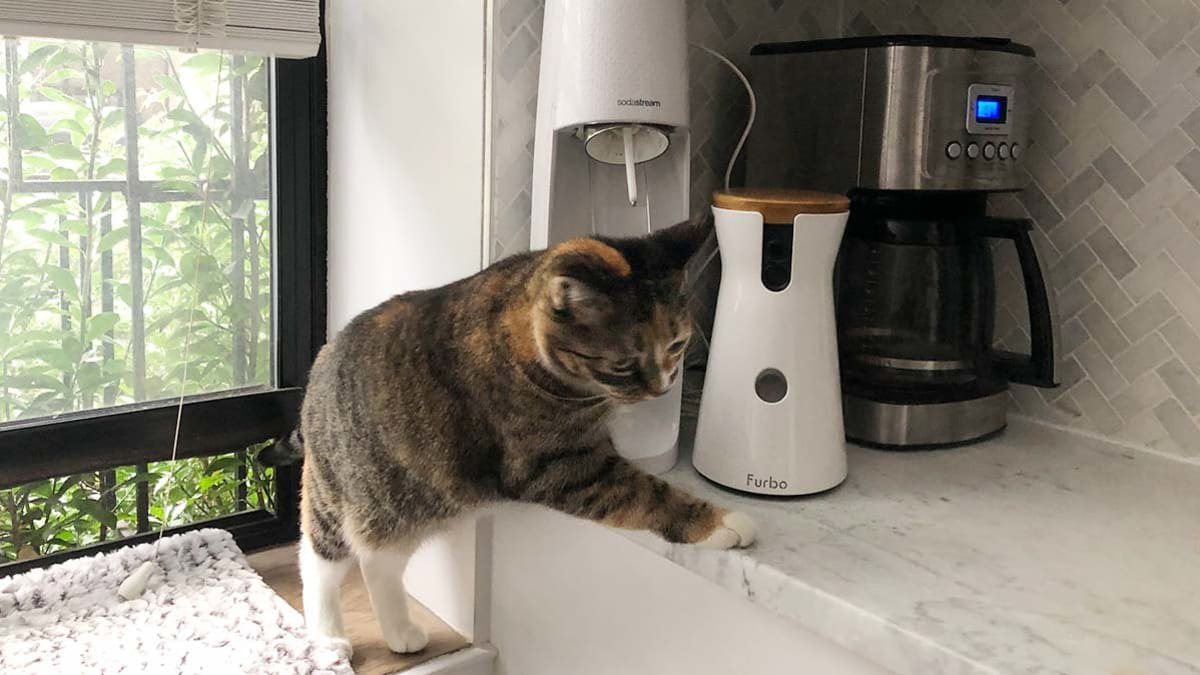
  "widgetContainerId": "pet-matches",
  "brand": {
    "title": "Meet Luna"
  },
  "state": {
    "layout": "picture",
    "primaryText": "Luna",
    "secondaryText": "2 year old Tabby, Spayed",
    "accentColorHex": "#FF6B35",
    "headerIconUrl": "https://petfinder.example/logo.png",
    "backgroundImageUrl": "https://petfinder.example/luna.jpg",
    "actionLabel": "View Live",
    "actionURL": "https://petfinder.example/luna"
  }
}'
Versus
Two sides with scores, logos, statuses, and a center column.
1
2
3
4
5
6
7
8
9
10
11
12
13
14
15
16
17
18
19
20
21
22
23
24
25
26
27
28
29
30
31
32
33
curl -X POST https://api.webliveactivity.com/api/start \
  -H 'Content-Type: application/json' \
  -H 'x-api-key: wla_your_key' \
  -d '{
  "widgetContainerId": "csgo-scores",
  "brand": {
    "title": "CSGO Esports"
  },
  "state": {
    "layout": "versus",
    "primaryText": "Heroic leads 12-9",
    "secondaryText": "Map: Overpass",
    "accentColorHex": "#0A84FF",
    "backgroundColorHex": "#001226",
    "backgroundGradientHex": "#00428C",
    "actionLabel": "Watch Live",
    "actionURL": "https://hltv.org/matches",
    "versus": {
      "leftName": "Movistar",
      "rightName": "Heroic",
      "leftScore": "9",
      "rightScore": "12",
      "leftStatus": "T side",
      "rightStatus": "CT side",
      "activeSide": "right",
      "leftImageUrl": "https://hltv.org/movistar.png",
      "rightImageUrl": "https://hltv.org/heroic.png",
      "centerLabel": "Map",
      "centerValue": "Overpass",
      "sourceLogoUrl": "https://hltv.org/csgo.png"
    }
  }
}'
Countdown
If the card is still on the phone when the time is reached, the service sends one alert by itself. Set completionText for the words shown in place of the clock and in that alert. Start a countdown longer than 8 hours with keepAlive: true, or iOS ends the card before the time is reached.
1
2
3
4
5
6
7
8
9
10
11
12
13
14
15
16
17
18
19
curl -X POST https://api.webliveactivity.com/api/start \
  -H 'Content-Type: application/json' \
  -H 'x-api-key: wla_your_key' \
  -d '{
  "widgetContainerId": "gta6-countdown",
  "keepAlive": true,
  "brand": {
    "title": "GTA VI"
  },
  "state": {
    "layout": "countdown",
    "primaryText": "Grand Theft Auto VI",
    "secondaryText": "GTA VI",
    "countdownTo": 1795046400,
    "countdownStyle": "days",
    "completionText": "Out now",
    "headerIconUrl": "https://rockstargames.com/gta6-logo.png"
  }
}'